Beta Screen Flash
A downloadable tool for Windows
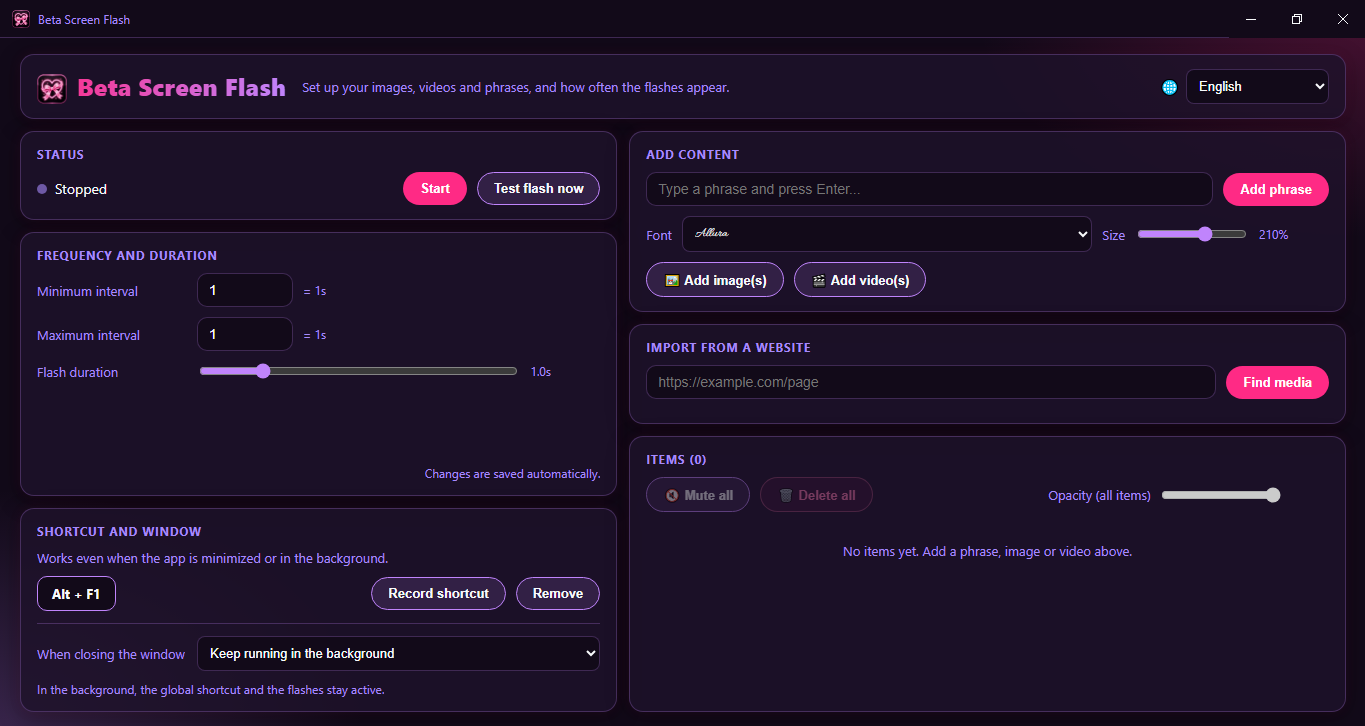
Beta Screen Flash is a lightweight desktop app that flashes your own images, videos and phrases over your screen at random moments, so your favorite content can surface while you work, browse or play. It sits quietly in your system tray and never steals focus from what you’re doing.
Features
- Random flashes: set your own minimum and maximum interval and how long each flash stays up. Changes apply instantly, even while it’s running.
- Images, videos and phrases: add your own files, or import media straight from a web page.
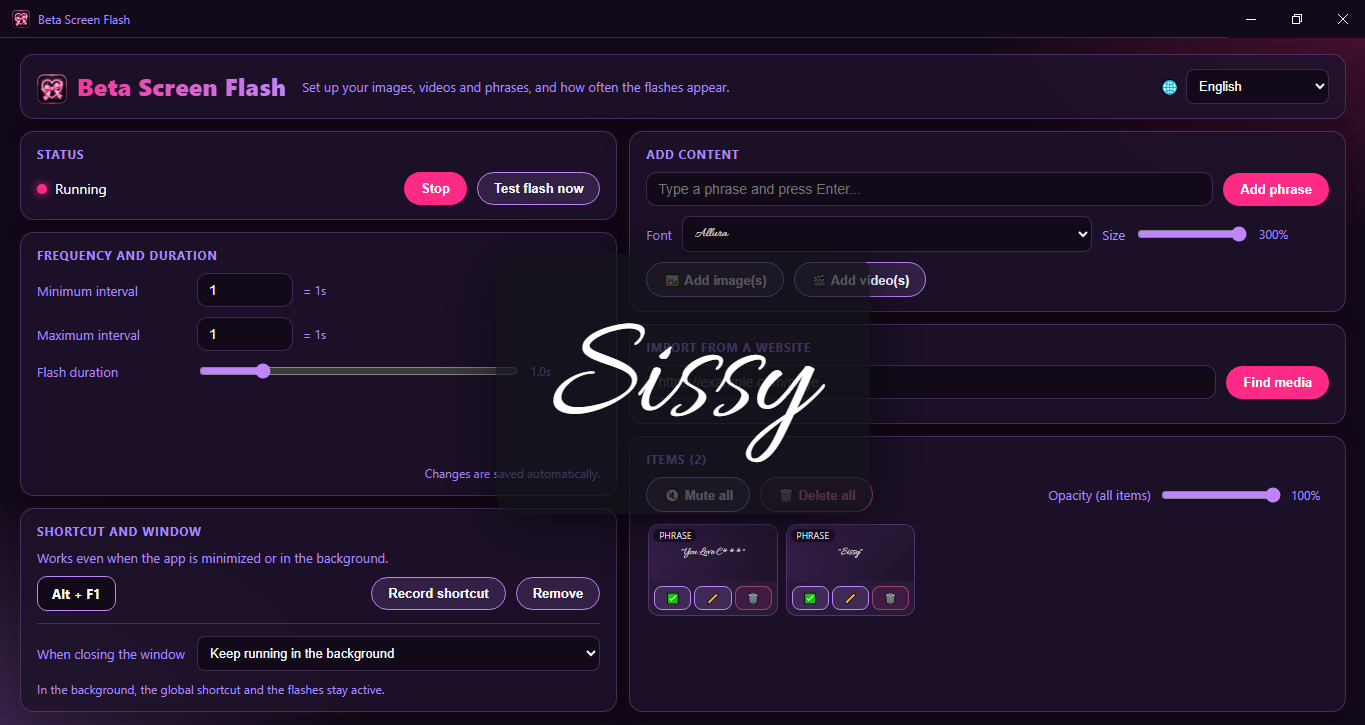
- Style every phrase: pick a font from 16 included typefaces, from elegant scripts to bold display fonts, then set the size and transparency.
- Transparency control: make any image, video or phrase subtle or solid, one by one or all at once.
- Global shortcut: start or stop everything from anywhere with one key combination, even when the app is minimized.
- Runs in the background: keep it in the tray, or close it completely. You choose.
- Portable or installed: use the installer, or run the portable version with no setup.
- 8 languages: English, Português (Brasil), Español, Français, Deutsch, Русский, 日本語 and 中文.
Your content, your rules
The app comes with no images or videos. Everything that appears on screen is what you add, and everything stays on your computer. There are no accounts, no tracking and no uploads.
Beta notice
Beta Screen Flash is still in beta. Some things may be rough around the edges, and more features and improvements are on the way. Feedback is very welcome and helps shape what comes next.
Coming soon
Beta Screen Flash is in active development. Here’s what is planned for upcoming updates (the order and details may change based on your feedback):
Content
- Starter pack: a built-in pack of original images, loops and phrases, so you have something to try right after installing. You’ll still be able to add your own.
- Content packs: import, enable and disable packs separately, with new packs released without needing a new app version.
- Backup and sharing: export and import all your items and settings in a single file.
- Sound: audio that plays along with a flash.
Control
- Panic button and quick pause: one key hides everything instantly, plus pauses of 15, 30 or 60 minutes from the tray.
- Active hours: run flashes only at the times you choose, and pause automatically during meetings or screen sharing.
- Profiles: switch between ready-made setups (for example “Work” and “Night”) with their own items and intervals.
- Monitor and position: choose which screen the flashes appear on, and where.
- Item weights and order: make some items appear more often, or play them in sequence instead of randomly.
- Bursts: several flashes in a row, or an intensity that builds up gradually.
- Per-item duration: a custom display time for each item.
Looks
- More phrase styling: text color, outline, shadow, optional background, and separate transparency for text and background.
- Entrance animations: fade, zoom and slide.
- Video trimming: pick the start and end of the clip.
Everyday comfort
- Guided first run: language, adding content and setting your shortcut in a few steps.
- Drag and drop: drop files onto the window or paste images from your clipboard.
- Batch actions: select several items to enable, disable or delete them, plus search and tags.
- Start with Windows: launch quietly in the tray.
- Automatic updates and a “What’s new” screen.
- Safer flashing mode: limits flash speed and brightness, with a photosensitivity warning.
Privacy
- Discreet mode: a neutral tray icon and a PIN to open the settings, handy on shared computers.
Further ahead
- Browser mode: replace the images on web pages with your own, visually only, in your browser.
- Android, Mac and Linux versions.

Download
Click download now to get access to the following files: